


How Do Drop on Demand Inkjet Printers Control Ink Droplets?
Drop on Demand Inkjet Printers produce images and codes by ejecting ink only when and where it is needed. A printhead may need to place thousands of tiny droplets while a corrugated sheet or folding carton moves beneath it, with little room for a misplaced dot to hide. How can a machine control something so small at production speed?
The answer is a coordinated system rather than a single component. Electronic signals tell individual nozzles when to fire, an actuator creates a pressure pulse, and carefully formulated ink responds by forming a droplet. Accurate results depend just as much on the movement of the material, the distance to the printhead, and the way ink behaves after it lands.
What “Drop on Demand” Means
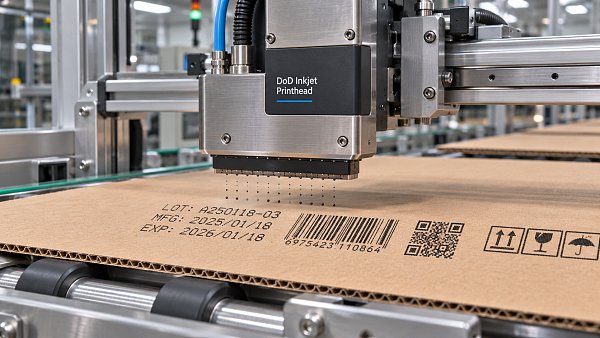
In drop on demand, or DOD, inkjet printing, a nozzle ejects a droplet in response to a command. If a particular position in the image does not require ink, the nozzle does not intentionally produce a drop for that position. This makes DOD suitable for variable information: a date, serial number, barcode, or graphic can change from one printed item to the next without changing a printing plate.
This approach differs from continuous inkjet, in which a continuous stream breaks into droplets and the system directs selected droplets toward the substrate while collecting the rest. Both technologies have uses in industrial printing, but they control ink delivery in different ways.
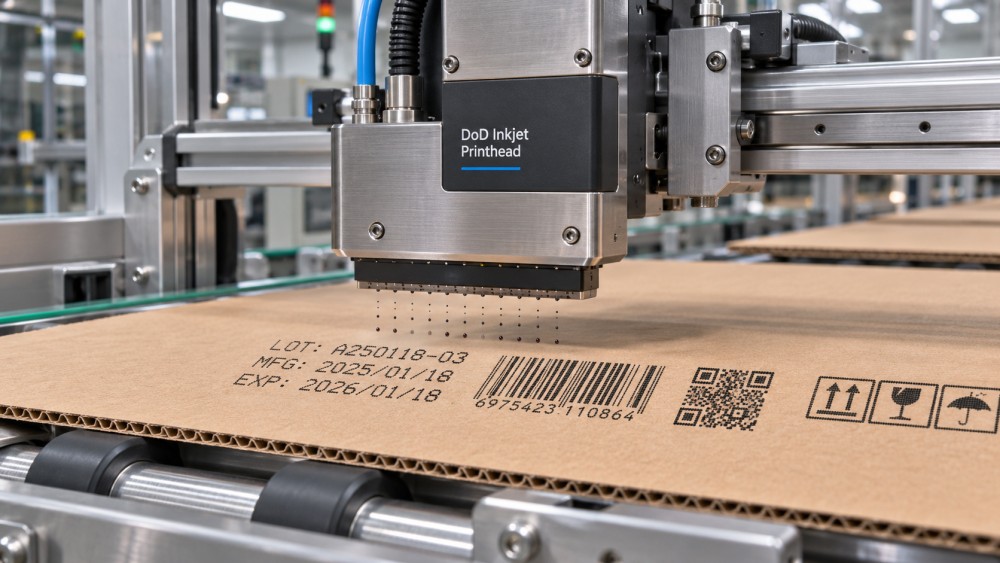
A DOD printhead generally contains multiple nozzles connected to small ink chambers. The print data is converted into firing instructions, and each selected chamber receives an electrical signal. That signal creates a rapid pressure change, pushing ink through the nozzle. Once the pulse ends, the chamber refills and prepares for another firing cycle.
From Electrical Signal to Flying Droplet
Droplet formation takes place in a fraction of the time it takes to notice a sheet passing through a machine. Yet several physical events must occur in the right order.
- A firing signal arrives. The controller determines which nozzle should print and when, based on the image data and the position of the substrate.
- Pressure rises inside the chamber. A thermal or piezoelectric actuator generates a rapid change that drives ink toward the nozzle opening.
- Ink emerges and separates. A small volume of ink extends from the nozzle and pinches off into a droplet. The shape and timing of the pressure pulse influence how cleanly this happens.
- The droplet travels and lands. Its velocity, direction, and flight distance affect where it reaches the moving surface.
- The chamber refills. Ink flows back into the firing chamber, while the liquid at the nozzle settles sufficiently for the next pulse.
The aim is not simply to eject ink. The printer needs repeatable droplets with predictable volume and direction. If the pulse is poorly matched to the ink and printhead, the main drop may be accompanied by smaller unwanted droplets, often called satellites. Depending on the application, these can contribute to stray marks or reduced edge definition.
Thermal and Piezoelectric: Two Ways to Create Pressure
The most common DOD approaches use either heat or a piezoelectric actuator to move ink. Both respond to electronic instructions, but they create pressure in different ways and place different demands on ink formulation.
Thermal inkjet: a rapidly expanding vapor bubble
In thermal inkjet, a small heating element inside the ink chamber receives a short electrical pulse. A thin layer of ink near the heater vaporizes, forming a bubble. As the bubble expands, it pushes ink through the nozzle. The bubble then collapses, allowing the chamber to refill.
Thermal printheads can be used for high-resolution text and codes, including variable information on packaging. Their inks must be formulated to work with the heating process, however, so ink selection is tied closely to the printhead technology. The substrate also matters: an ink that gives a clean code on a coated carton may behave differently on a more absorbent board.
Piezoelectric inkjet: a controlled mechanical movement
Piezoelectric printheads use a material that changes shape when an electrical voltage is applied. This movement changes the volume or pressure of the ink chamber, forcing a droplet through the nozzle. When the actuator returns toward its original state, the chamber refills.
Because droplet ejection does not rely on boiling the ink, piezoelectric technology can support a broader range of ink chemistries in appropriately designed systems. This does not mean any ink can be used in any piezoelectric head: viscosity, surface tension, particle characteristics, chemical compatibility, and curing or drying requirements still have to match the equipment.
Some piezoelectric systems also use tailored drive waveforms to produce different drop volumes. Variable drop size can help balance image detail, tone reproduction, and ink coverage, although the available modes depend on the specific printhead and printer design.
How Does a Printer Put Each Drop in the Right Place?
Creating a consistent droplet is only half the task. The other half is landing it where the image requires, while the substrate and printhead may be moving relative to each other.
Timing connects print data to motion. The controller converts the desired image into nozzle-firing commands. In production equipment, an encoder or another position reference can synchronize firing with the movement of a conveyor, web, or sheet transport. If the speed changes but firing is not correctly synchronized, printed features may stretch, compress, or shift.
Drop velocity and print gap influence placement. A droplet takes time to travel from the nozzle to the surface. During that time, the substrate continues moving. The control system accounts for this relationship, but excessive or inconsistent distance can make accurate placement harder. Airflow, sheet flutter, and variations in board flatness can also disturb the result.
Nozzle alignment affects image continuity. A print bar may contain many nozzles or multiple printheads positioned across the print width. Calibration helps align their output so that adjacent areas meet correctly. Misalignment or an individual nozzle that fires off direction may show up as lines, uneven text edges, or defects in a solid printed area.
Resolution is useful when comparing systems, but a stated dots-per-inch figure is not the whole story. The apparent quality of a code or graphic also depends on droplet consistency, transport stability, ink spread, and the surface being printed. More addressable dot positions do not automatically compensate for poor placement or an unsuitable ink-substrate combination.
Why Ink and Substrate Are Part of the Control System
Inkjet droplets are controlled by physics as well as electronics. Viscosity affects how readily ink flows and refills the chamber. Surface tension influences how a droplet forms at the nozzle and how it spreads after landing. Temperature can change these properties, which is why some systems monitor or regulate ink conditions.
The surface introduces another set of variables. On absorbent corrugated board, ink may penetrate and spread into the paper fibers. This can reduce edge sharpness or affect optical density. On a less absorbent coated surface, the ink may remain on top longer, making drying, curing, and resistance to rubbing more important.
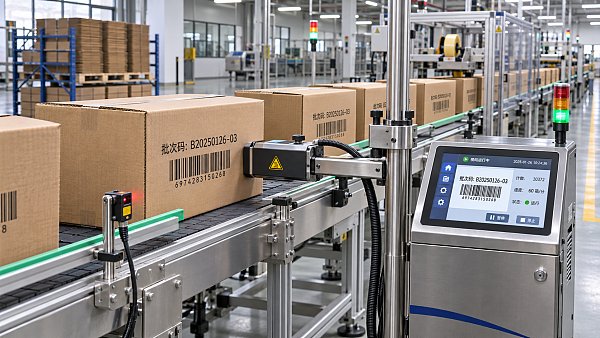
For packaging applications, the question is therefore not just “Can the printer make a small drop?” It is also “What happens to that drop on this material, at this line speed, before the pack is handled?” A readable barcode needs sufficient contrast and well-defined elements after printing and throughout the intended handling process. It should be checked on representative production material, not only on a convenient sample sheet.
What Droplet Control Means on a Packaging Line
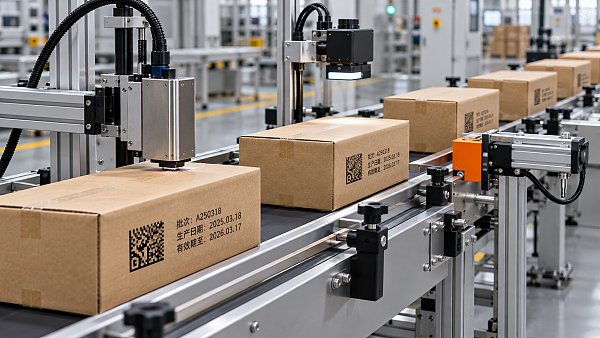
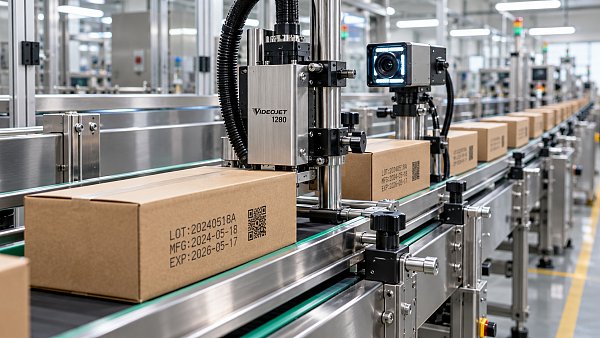
Different applications place different demands on the same basic process. A date code on a carton may need crisp characters and reliable changeover between batches. A shipping case may require a barcode that scans after transport. A digital corrugated press printing larger graphics must also manage color consistency and visible defects across a wider area.
In each case, a droplet problem can appear as a production problem:
- Missing or weak nozzles can leave gaps in characters, lines, or image areas.
- Misfiring or deflected droplets can create fuzzy edges or marks outside the intended image.
- Inconsistent firing or transport timing can distort variable data or shift print position.
- Excessive spreading or insufficient drying can reduce barcode readability or cause smearing during downstream handling.
These symptoms do not always point to the printhead alone. Ink condition, maintenance, substrate variation, environmental conditions, and mechanical transport can all contribute. Troubleshooting is more effective when operators examine the full print process rather than adjusting one setting repeatedly.
Keeping Droplets Consistent During Production
A printhead is a precision component operating in an environment that may contain paper dust, ink mist, and changing temperatures. Routine care helps preserve the conditions under which its droplets were calibrated.
Depending on the machine and ink, this may include automatic or manual nozzle cleaning, periodic test patterns, ink circulation or filtration, and checks on ink temperature and supply. Cleaning methods and fluids must follow the equipment and ink supplier’s instructions; an unsuitable procedure can damage nozzle surfaces or introduce contamination.
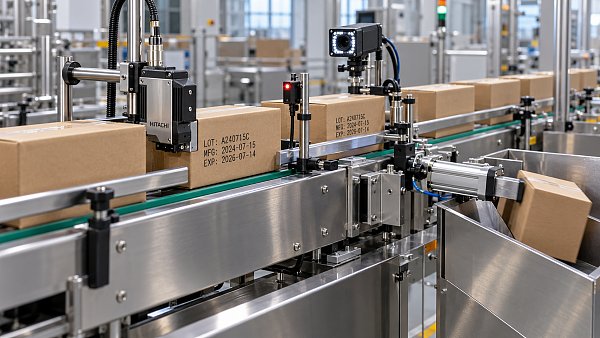
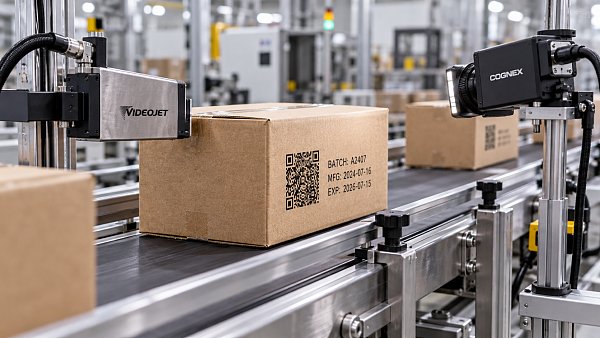
Substrate handling deserves equal attention. Stable guides, controlled sheet presentation, and a consistent print gap reduce the work the firing system must compensate for. Where code accuracy is critical, inline vision inspection or barcode verification can provide feedback on the printed result. Inspection detects problems; it does not replace correct setup and maintenance.
Questions to Ask When Evaluating a DOD System
For someone researching drop on demand inkjet printers, the most useful comparison starts with the intended job rather than a printhead specification in isolation. Before drawing conclusions, ask:
- What must be printed? A small batch code, a scannable symbol, and full-color graphics have different requirements for resolution, coverage, and inspection.
- Which surfaces will be used? Test the actual paper grades, coatings, and board conditions expected in production.
- How will the substrate move? Review line speed, position sensing, print gap, and the possibility of sheet or web movement.
- What ink and finishing process are required? Check compatibility, drying or curing needs, handling resistance, and any applicable packaging requirements.
- How will performance be maintained? Understand cleaning routines, consumables, nozzle checks, access for maintenance, and the consequences of a print defect.
Drop on demand control is a chain of connected decisions: when to fire, how to generate pressure, how the ink forms a drop, and where that drop lands. Understanding the entire chain makes it easier to judge why two printers with similar headline specifications may behave differently on a real packaging line.
Related News
 How Do Drop on Demand Inkjet Printers Control Ink Droplets?Discover how Drop on Demand Inkjet Printers control droplets through precise firing, ink formulation, and substrate handling for sharper codes and graphics.Machine Vision & Coding Fellow
 What Affects the Price of a Carton Coding Machine?Carton coding machine price depends on printing technology, speed, automation, and running costs. Discover how to compare quotes and choose the best value for your production line.Machine Vision & Coding Fellow
 How to Choose a Variable Data Printing Machine for PackagingChoose the right variable data printing machine for packaging. Compare material compatibility, speed, data control, and inspection to reduce waste and make a confident investment.Machine Vision & Coding Fellow
 How Can an Online TIJ Printer System Prevent Missing Batch Codes?Discover how an online TIJ printer system helps prevent missing batch codes with reliable triggers, vision inspection, and verified rejection. Reduce rework and protect traceability.Machine Vision & Coding Fellow
 Industrial Inkjet Printer Market Forecast to Reach $9.2 Billion by 2035Industrial inkjet printer market forecast: $9.2 billion by 2035. Explore how packaging traceability, automation, and CIJ and TIJ technologies could shape equipment investment.Machine Vision & Coding Fellow
 How Does Variable Data Printing for Cartons Improve Traceability?Discover how variable data printing for cartons improves traceability with verified codes and linked records to help locate affected stock and support faster recall decisions.Machine Vision & Coding Fellow